
Train eleven generations of AI
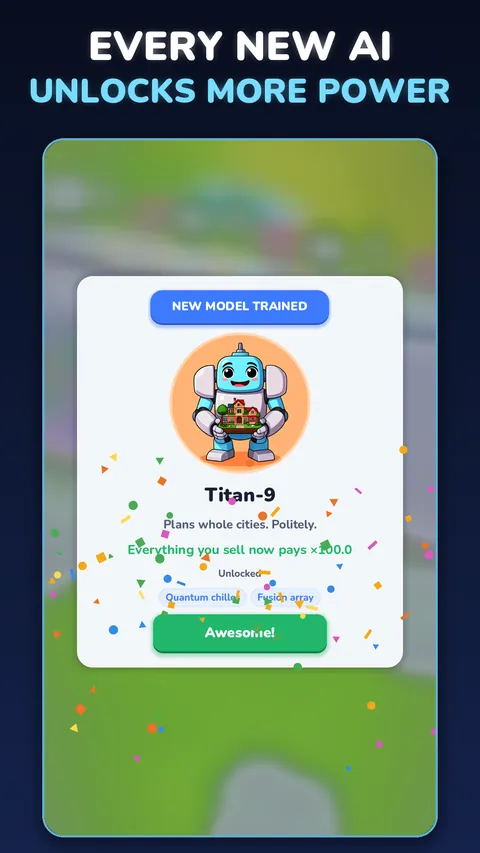
From the tiny Sprout-1 to Genesis-11, the AI that wakes up at the end. Some models surprise you with breakthroughs: an AI that composes music, fixes its own code or teaches the next model a shortcut.
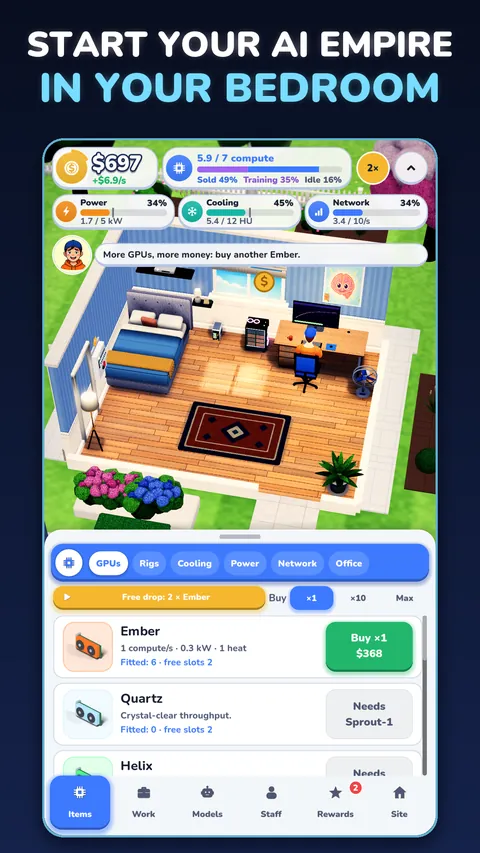
Start with one GPU in your bedroom. End up running the biggest AI empire in the world.
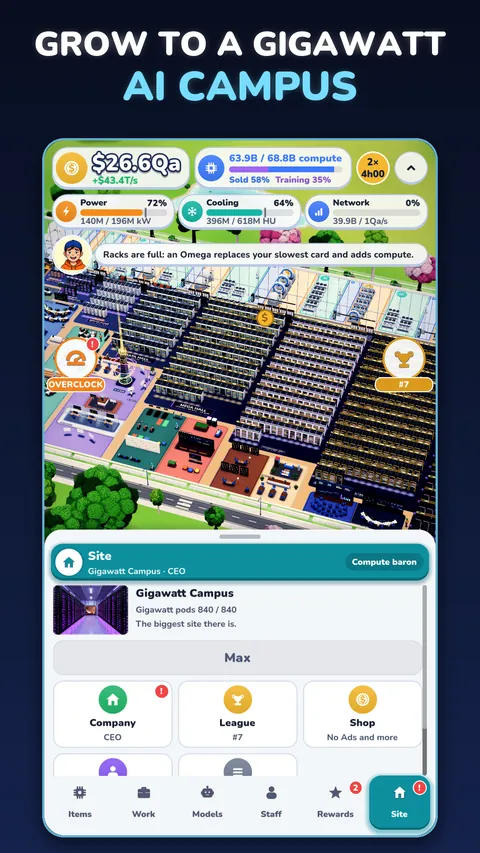
An idle AI tycoon. Buy GPUs, build AI data centres, sell compute to customers and train smarter and smarter AI models, while your bedroom grows, wall by wall, into a gigawatt AI campus.
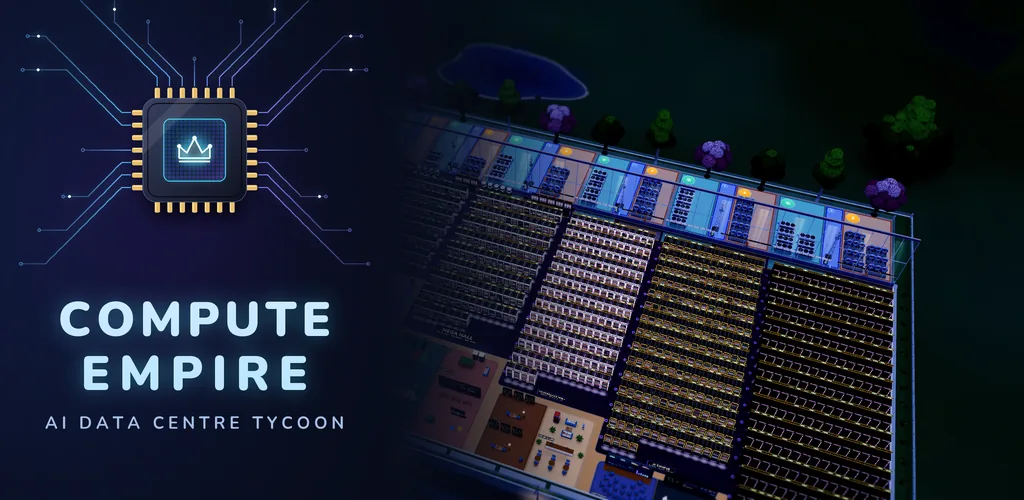
Compute Empire
Every model you train unlocks new hardware and raises what customers pay for your compute.
From the tiny Sprout-1 to Genesis-11, the AI that wakes up at the end. Some models surprise you with breakthroughs: an AI that composes music, fixes its own code or teaches the next model a shortcut.
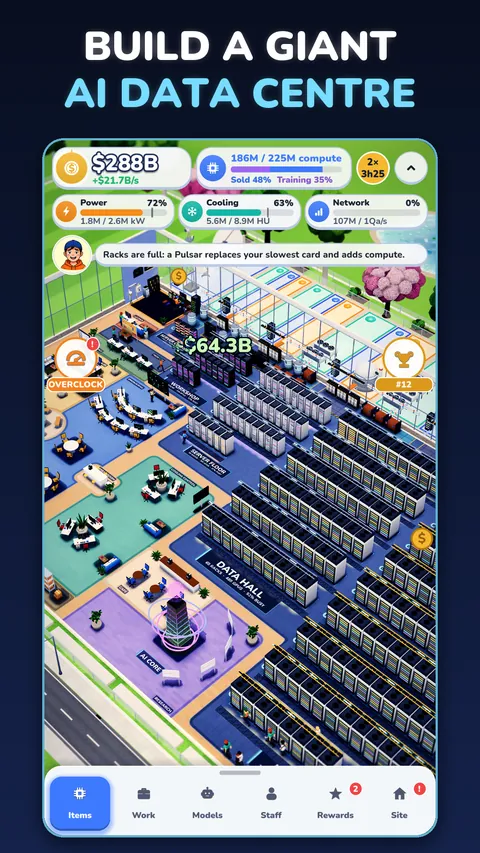
Nine stages, from the Bedroom and Home Office through the Server Floor and Mega Hall to the Gigawatt Campus. The walls push out and everything you built stays where it was.
Hire technicians, engineers, cooling specialists, sales staff and AI researchers. Draw too much power and the breaker trips; run too hot and the racks shut down.
Fit every card yourself, then overclock the racks, sign the deals and launch your models to the world. Sell the company and build your next empire beside a fjord, in the desert or in the city.
Climb the AI Labs League past two dozen rival labs, win the weekly race and pass every lab on the way to number one.
Your AI keeps earning while you are away. Portrait or landscape, a battery saver, calm lights and optional reminders. No account needed.
Screenshots
Pictures from the game on Google Play.
Help
Yes. Your AI keeps earning while you are away, for up to 8 hours, or 12 with research.
Your empire is saved on your phone. If you are signed in to Google Play Games, a copy is also kept in your Play Games account: open the game on your new phone, signed in to the same account, and your empire comes back.
With your permission, the game shares how it is played, such as which stages players reach, so we can make it better. It never sends your company's name or anything you type. Turn it off at any time in Settings, Share play statistics. The privacy page has the details.
Open Settings, Ad privacy choices.
Switch them off in the game's Settings, or in your phone's notification settings.
Close the game and open it again. If it is still missing, email us with the order number from your Google Play receipt (it starts with GPA.). Never send card details or passwords.
Clearing the game's storage or uninstalling it removes what is saved on your phone. Your saved game in Google Play Games can be seen and deleted in your Google Play Games settings.