Build the Great Hive
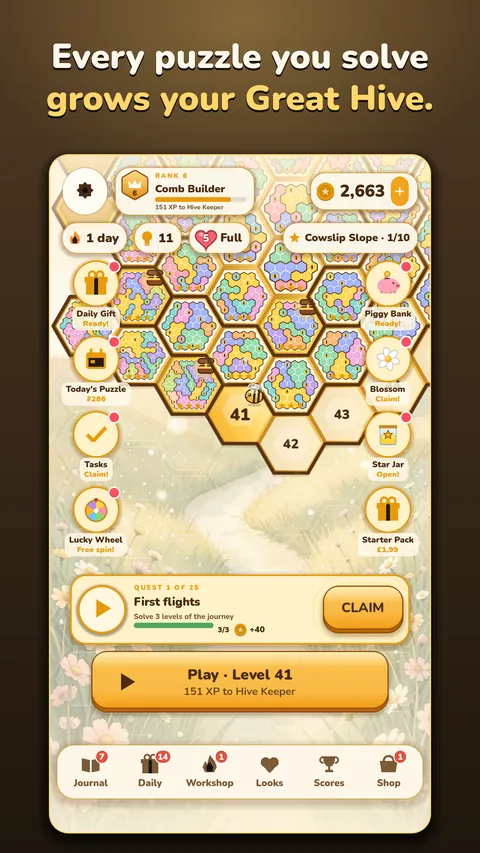
Every puzzle you solve becomes a piece of one giant honeycomb that grows as you play, from gentle first steps to big expert hives, with a treasure chest at the end of every chapter.

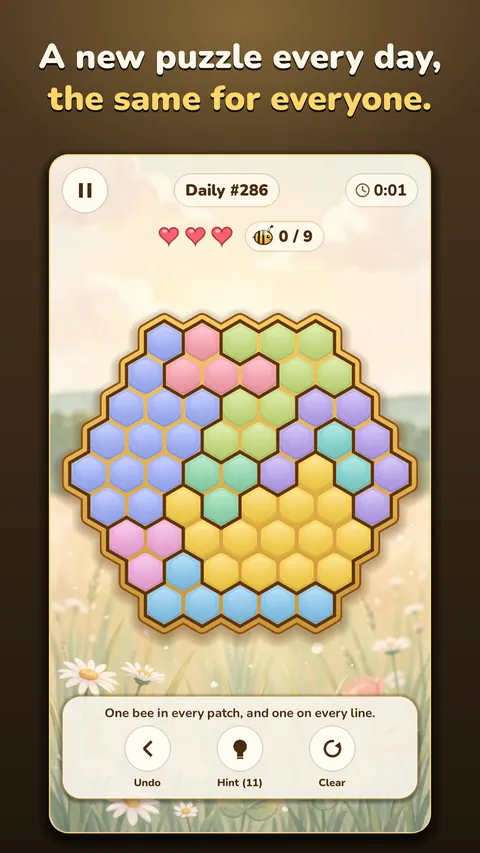
One bee in every patch and every line.
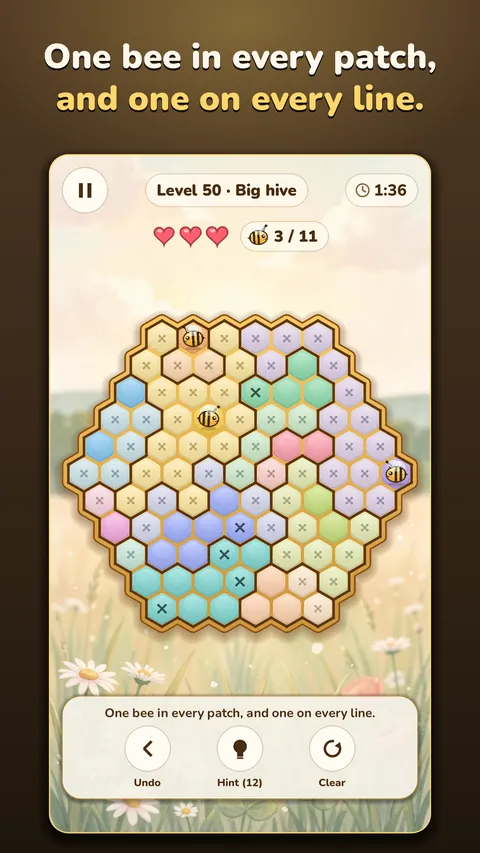
Hivewise is a calm logic puzzle set on a honeycomb. Every puzzle is a hive of hexagon cells split into coloured flower patches: place one bee in each patch, so that every line of cells holds exactly one bee, and no two bees touch. Every puzzle has exactly one answer, and you can always reach it by reasoning alone.
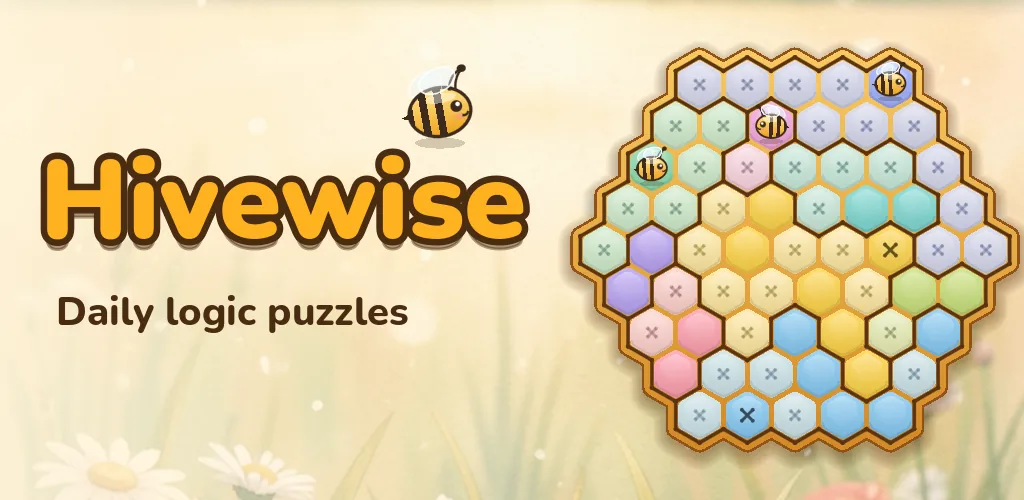
Hivewise
Relaxing to play and satisfying to solve. If you love logic grids and number puzzles, you will feel at home in the hive.
Every puzzle you solve becomes a piece of one giant honeycomb that grows as you play, from gentle first steps to big expert hives, with a treasure chest at the end of every chapter.
Today's puzzle is the same for every player. Keep your daily run going, with tougher puzzles at the weekend, three daily tasks and a daily gift.
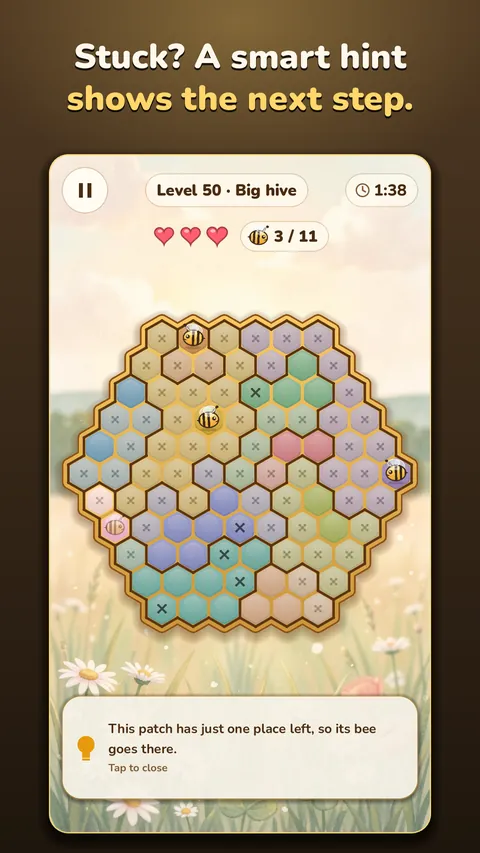
Smart hints light up the next step and explain why. Three hearts a puzzle, and three stars for solving with no mistakes.
Gather nectar as you solve and brew boosters in the Honey Workshop. Follow quests, spin the lucky wheel and fill the Star Jar.
From the moonlit Spooky Hive to the snowy Winter Hive, each with its own scene, music and a bee costume to win.
Colour your honeycomb with new looks, rise from New Bee to Queen's Friend, and climb the leaderboards for today, this week and all time.
Screenshots
Pictures from the game on Google Play.
Help
Place one bee in each coloured flower patch, so that every line of cells, across and down both slants, holds exactly one bee. Bees never touch. Every puzzle has one answer you can reach by reasoning alone, and a hint shows the next step and why.
Your progress is saved on your phone. If you are signed in to Google Play Games, a copy is also kept in your Play Games account: open the game on your new phone, signed in to the same account, and it comes back.
Google Play keeps the purchase with your Google account. Install Hivewise on a phone signed in to that account and open the shop's Restore purchases in Settings. If it still does not show, email us with the order number from your Google Play receipt (it starts with GPA.).
So that it follows the rules for younger players. You answer once; it is not changed in Settings. Clearing the game's storage or reinstalling asks again.
With your permission, the game shares how it is played, such as which puzzles are solved, so we can make it better. Turn it off at any time in Settings, Share play statistics. The privacy page has the details.
Open Settings, Ad privacy choices.
They are off unless you turn them on. Switch them off in the game's Settings, or in your phone's notification settings.
Clearing the game's storage or uninstalling it removes what is saved on your phone. Your saved game in Google Play Games can be seen and deleted in your Google Play Games settings.