
Every starling is alive
Up to two thousand birds that follow their neighbours, ripple when startled, burst apart when the hawk dives and flow back together.

One finger. Thousands of starlings. One hawk.
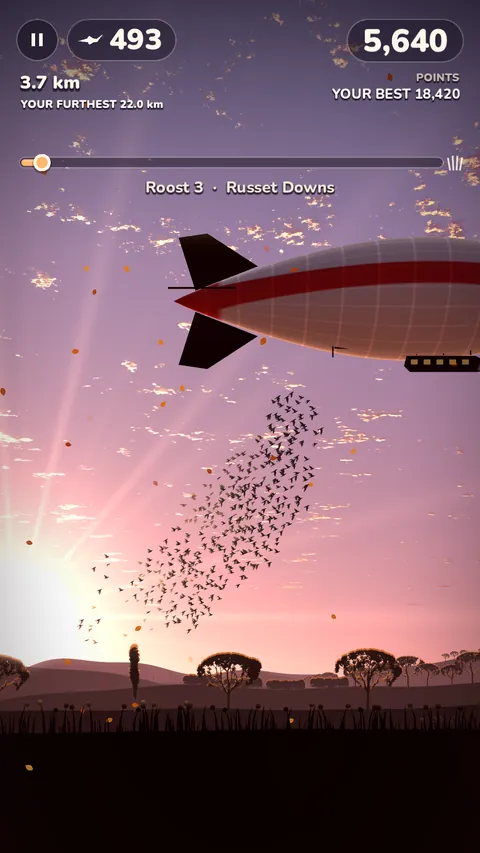
Murmur puts a real murmuration in your hand. Hold anywhere and your flock gathers tight and dives; let go and it spreads out and climbs. Weave the whole swirling cloud over church spires, past windmills and under storm clouds, all the way home to roost.
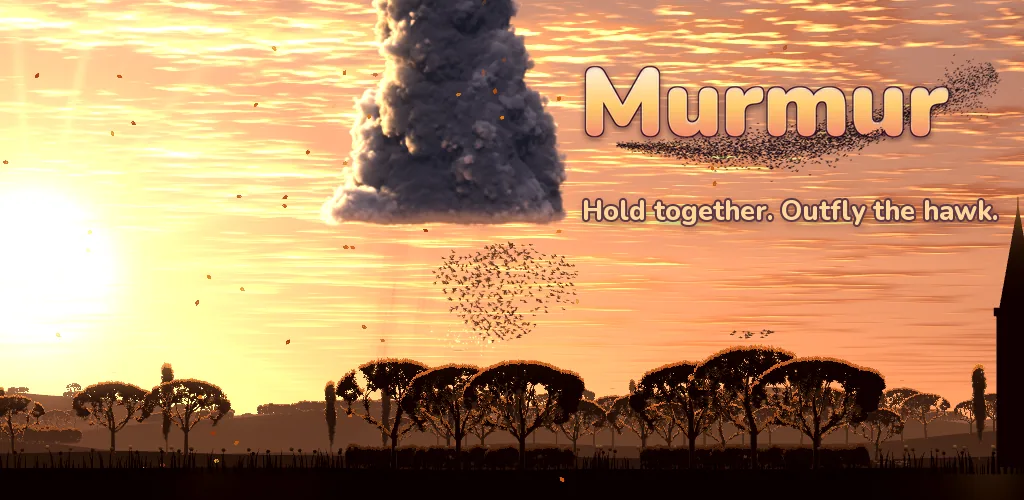
Murmur
Calm, beautiful and one-handed: easy to learn in a second, hard to put down.
Up to two thousand birds that follow their neighbours, ripple when startled, burst apart when the hawk dives and flow back together.
A sparrowhawk hunts the open sky. Hold your flock tight and it can't pick a bird out; drift high and spread out and it will scatter you.
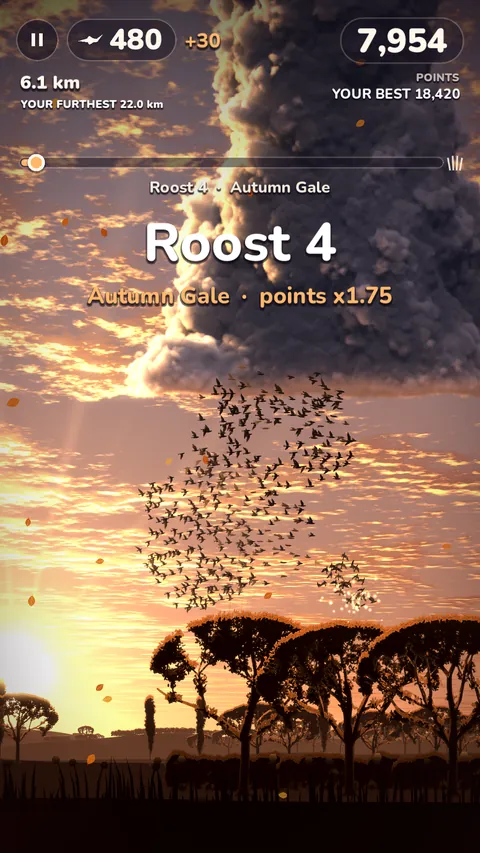
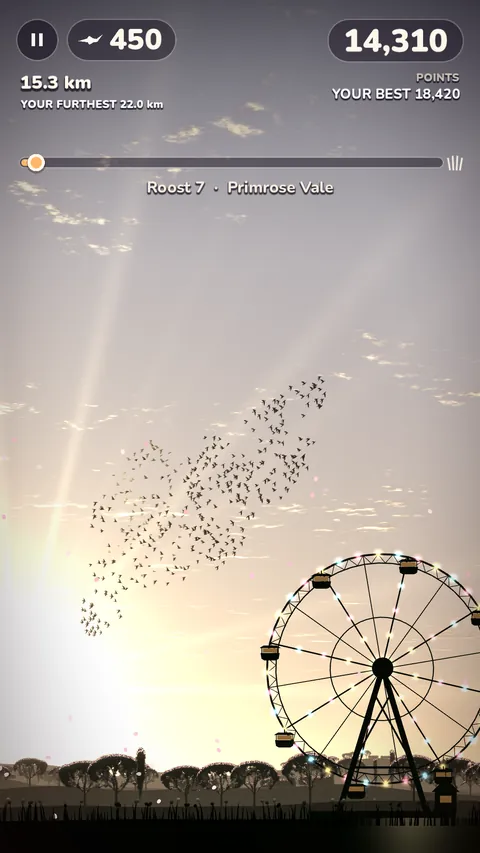
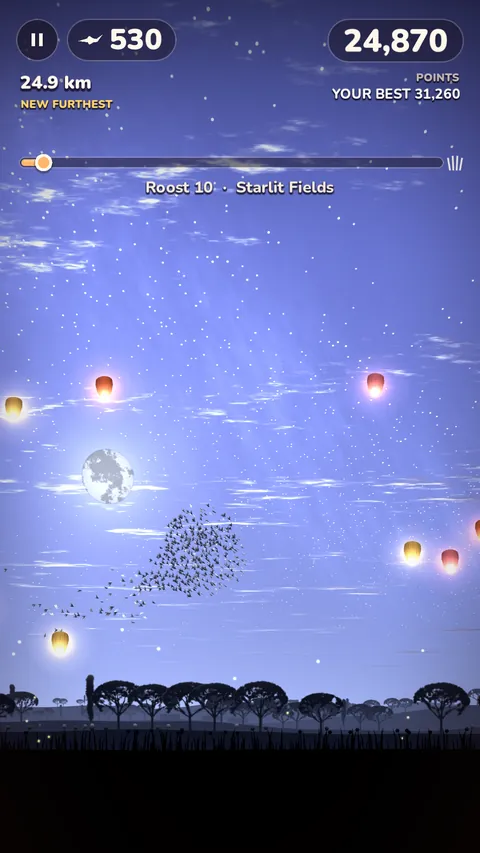
Golden summer evenings, autumn gales, winter's snow, spring blossom and moonlit nights full of fireflies. Forty named evenings, from Midsummer Meadows to Aurora Hills.
Your distance never resets, and your furthest ever is marked in the sky with a column of golden light.
One new route every day, the same for every player in the world. Climb today's leaderboard and keep your streak going.
Three missions at a time raise your flock's rank. Fly further to earn new looks for your whole murmuration: Golden, Rose Dusk, Silver Frost, Ember, Midnight and the Aurora.
Screenshots
Pictures from the game on Google Play.
Help
Hold anywhere and your flock gathers tight and dives; let go and it spreads out and climbs. Keep the flock tight when the hawk strikes, and fly low over hedges and wires to pick up strays.
Your scores and journeys are saved on your phone. If you are signed in to Google Play Games, a copy is also kept in your Play Games account: open the game on your new phone, signed in to the same account, and they come back.
Google Play keeps the purchase with your Google account. Install Murmur on a phone signed in to that account. If it still does not show, email us with the order number from your Google Play receipt (it starts with GPA.).
So that it follows the rules for younger players. You answer once; it is not changed in Settings. Clearing the game's storage or reinstalling asks again.
With your permission, the game shares how it is played, such as how far journeys go, so we can make it better. Turn it off at any time in Settings, Share play statistics. The privacy page has the details.
Open Settings, Ad privacy choices.
It is off unless you turn it on. Switch it off in the game's Settings, or in your phone's notification settings.
Clearing the game's storage or uninstalling it removes what is saved on your phone. Your saved game in Google Play Games can be seen and deleted in your Google Play Games settings.