
Liquid like the real thing
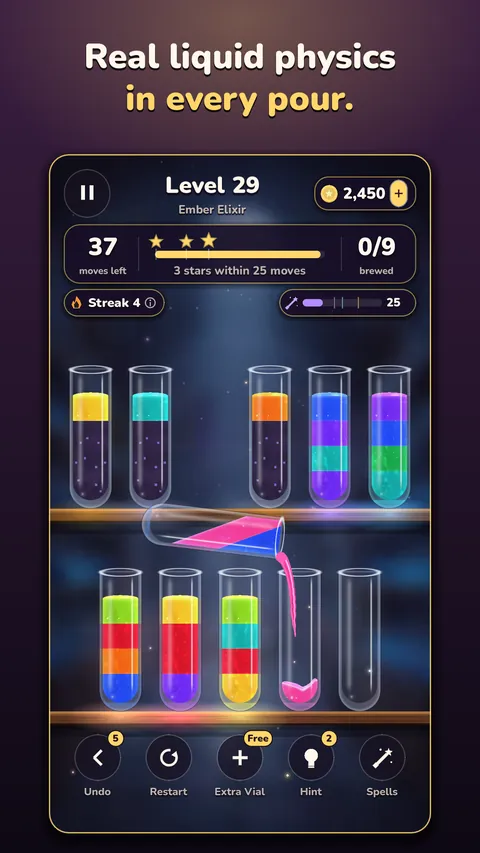
Potions slosh as you carry a vial, ripple when they land and stay level when you tilt your phone. Glugs, clinks, and a cork that pops into every finished potion.

Pour, sort and brew in a candlelit potion shop.
Welcome to Spellbrew, a candlelit potion shop where every bottle glows. Tap a vial, tap another, and watch the potion tip over the rim, pour in a glossy stream and settle. Sort every colour into a vial of its own, learn spells, brew your own potions and fill your Spell Book.
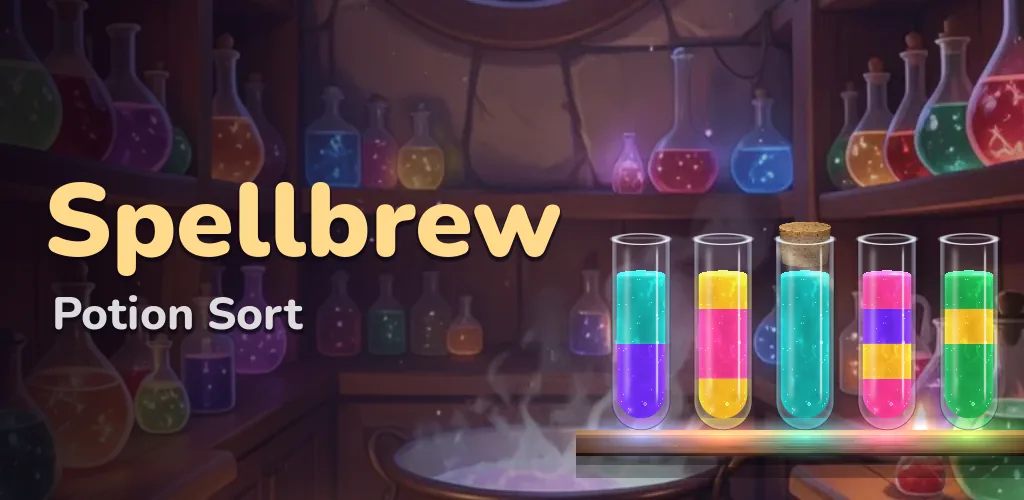
Spellbrew
Easy to learn, hard to master, and lovely to watch: every pour looks and sounds like real liquid.
Potions slosh as you carry a vial, ripple when they land and stay level when you tilt your phone. Glugs, clinks, and a cork that pops into every finished potion.
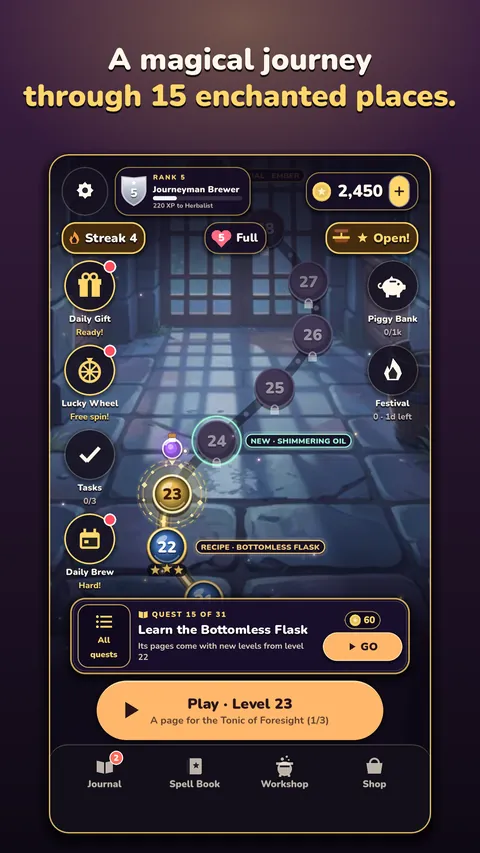
From the Village Apothecary to the Moonlit Cellar, the Crystal Caverns and the Wizard's Tower. Count your moves, plan your pours and earn three stars.
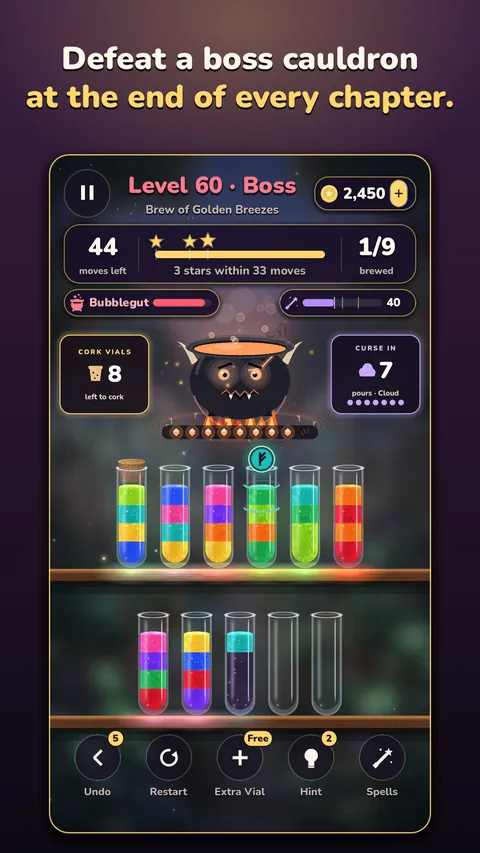
Frozen vials, floating oil, rune-sealed vials and cloudy potions that hide their colours until you pour. And a boss cauldron at the end of every chapter.
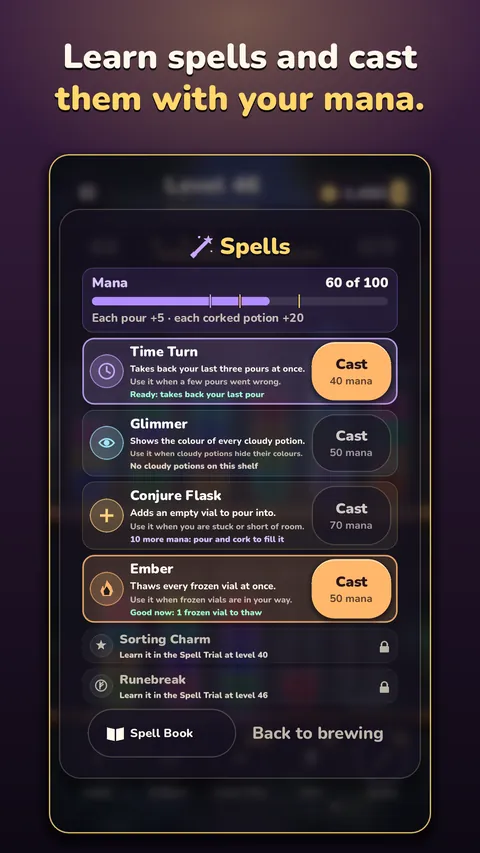
Pass the Spell Trials to learn spells, then cast them with the mana your pours make: each tells you what it does and when it helps. Keep your spells, recipes, ingredients and trophies in your own painted Spell Book.
Gather ingredients as you play, learn recipes page by page and brew the Potion of Fortune, the Hourglass Draught and more in your bubbling cauldrons.
A Daily Brew that is the same potion for every brewer, with its own leaderboard; a festival every week, fresh tasks, a daily gift and a lucky wheel.
Screenshots
Pictures from the game on Google Play.
Help
Tap a vial, then tap the vial to pour into. A potion pours onto the same colour or into an empty vial, as much as fits. Undo, Extra Vial and Hint are there when you need a hand.
Your progress is saved on your phone. If you are signed in to Google Play Games, a copy is also kept in your Play Games account: open the game on your new phone, signed in to the same account, and it comes back.
Close the game and open it again. If it is still missing, email us with the order number from your Google Play receipt (it starts with GPA.). Never send card details or passwords.
So that it follows the rules for younger players. You answer once; it is not changed in Settings. Clearing the game's storage or reinstalling asks again.
With your permission, the game shares how it is played, such as which levels are won, so we can make it better. Turn it off at any time in Settings, Share play statistics. The privacy page has the details.
Open Settings, Ad privacy choices.
They are off unless you turn them on. Switch them off in Settings, Reminders, or in your phone's notification settings.
Clearing the game's storage or uninstalling it removes what is saved on your phone. Your saved game in Google Play Games can be seen and deleted in your Google Play Games settings.