Restore a sleeping garden
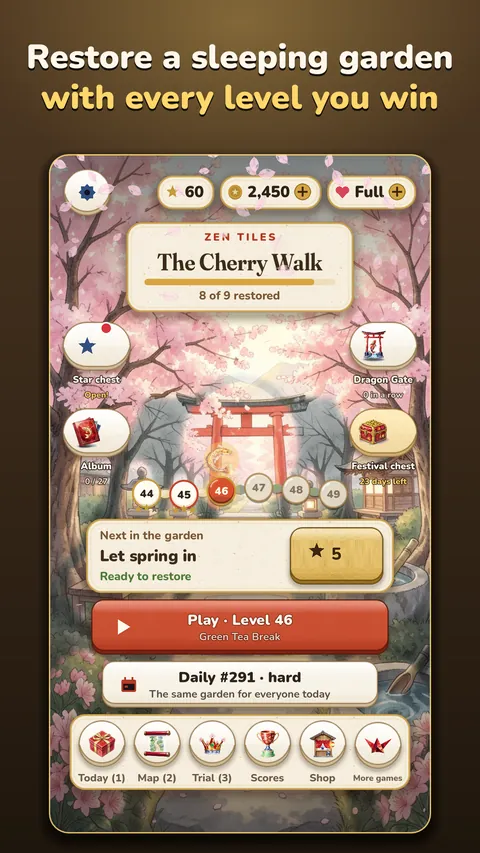
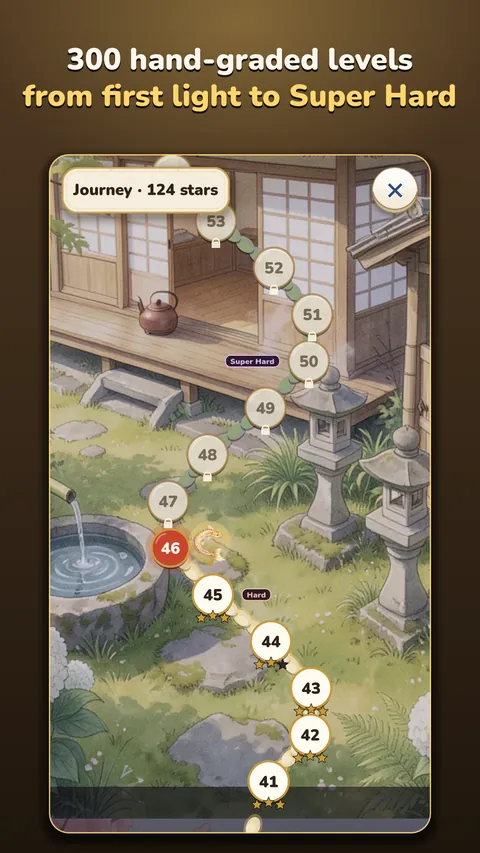
Win levels to earn stars, then spend them to mend bridges, fill the koi pond, light the lanterns and wake the cherry trees. Every task brings a corner of the painting back to life.


Match three. Wake the garden.
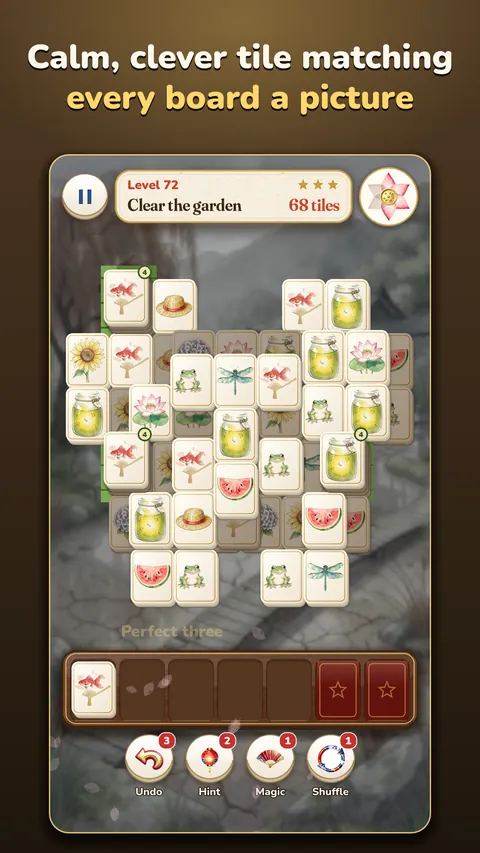
Zen Tiles is a calm, clever tile-matching puzzle set in a Japanese garden that has fallen asleep, and it is yours to wake. Tap free tiles into your tray: gather three alike and they bloom away. Every board is a picture, every one can be won, and there is no clock. Every level you win earns the stars that bring another corner of the garden back to life.
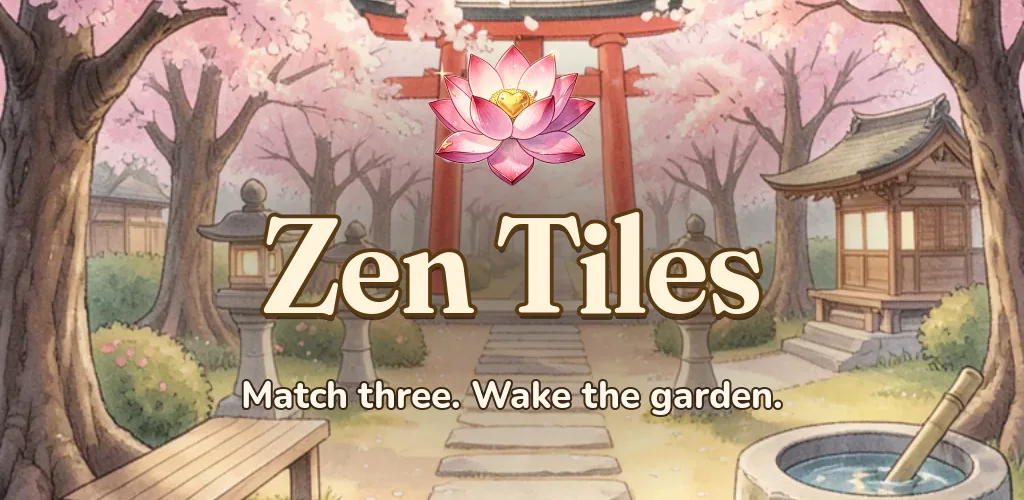
Zen Tiles
Calm to play and lovely to look at. If you enjoy tile-matching and mahjong-style puzzles, you will feel at home in the garden.
Win levels to earn stars, then spend them to mend bridges, fill the koi pond, light the lanterns and wake the cherry trees. Every task brings a corner of the painting back to life.
Help Grandmother Hana and her grandchild Ren bring the family garden back, with Pon the tanuki who borrows things and Kin the old koi. Find the letter hidden in every garden.
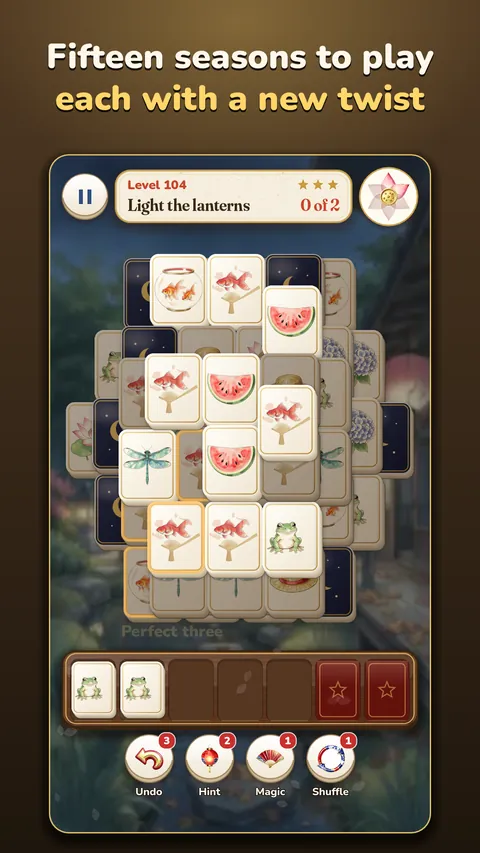
Fifteen chapters, each with its own twist: paper shrouds, frost, locks and keys, bamboo stacks, wisteria vines and lantern-lit nights. Every level can be won.
Glossy porcelain tiles painted for spring, summer, autumn and winter, over soft watercolour gardens, with drifting petals and calm music.
A new puzzle every day, the same for everyone, with its own leaderboard; the weekly Zen Trial, one beautiful hard board and three tries; and a festival every week.
Walk Kin the koi along the garden path, collect koi cards for your album and fill the Garden Pass as you play.
Screenshots
Pictures from the game on Google Play.
Help
Tap a free tile (one with nothing on top of it) to move it into your tray. Gather three alike and they bloom away. Clear every tile before the tray fills. There is no clock and every level can be won; Undo, Hint, Magic and Shuffle help when you are stuck.
Your progress is saved on your phone. If you are signed in to Google Play Games, a copy is also kept in your Play Games account: open the game on your new phone, signed in to the same account, and it comes back.
Google Play keeps the purchase with your Google account. Install Zen Tiles on a phone signed in to that account and open Settings, Restore purchases. If it still does not show, email us with the order number from your Google Play receipt (it starts with GPA.).
So that it follows the rules for younger players. You answer once; it is not changed in Settings. Clearing the game's storage or reinstalling asks again.
With your permission, the game shares how it is played, such as which levels are won, so we can make it better. Turn it off at any time in Settings, Share play statistics. The privacy page has the details.
Open Settings, Ad privacy choices.
They are off unless you turn them on. Switch them off in the game's Settings, or in your phone's notification settings.
Clearing the game's storage or uninstalling it removes what is saved on your phone. Your saved game in Google Play Games can be seen and deleted in your Google Play Games settings.